
Practical guides
PowerPoint speaker notes guides for one-screen Mac presenting.
Step-by-step workflows for keeping speaker notes private while presenting PowerPoint in Zoom, Teams, Google Meet, and single-monitor setups.
Start here
Solve the problem you are searching for.
How to present PowerPoint with notes on Zoom without showing notes
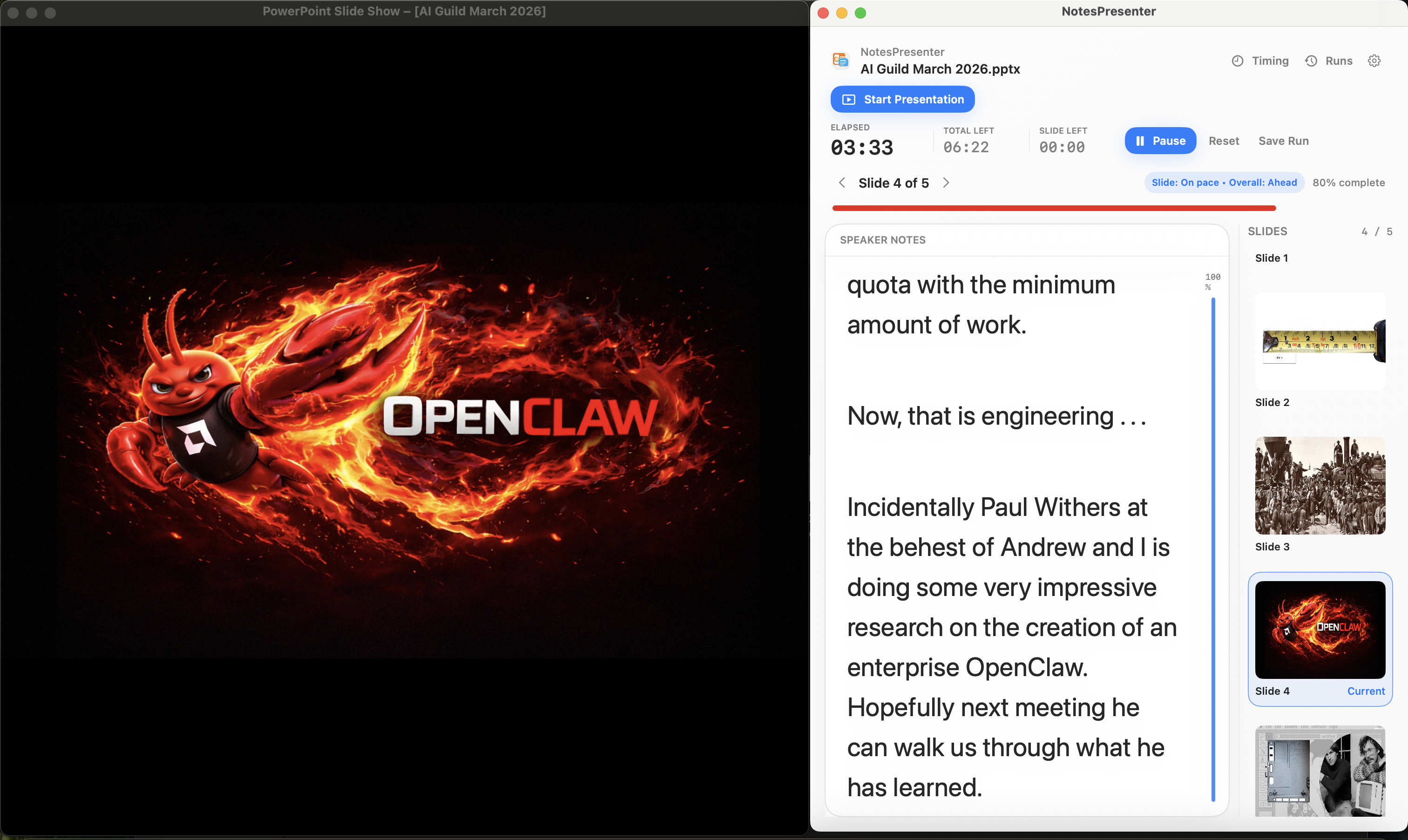
Share only the PowerPoint window in Zoom and keep NotesPresenter visible privately for speaker notes, current slide context, and timing on one Mac screen.
Read guide
How to use PowerPoint presenter view with one monitor on Mac
Set up PowerPoint, speaker notes, current slide context, and timing on one Mac monitor without depending on a second display.
Read guide
What to do when PowerPoint Presenter View needs a second display
A practical Mac workaround for presentations where PowerPoint Presenter View expects another display but you only have one screen.
Read guide
How to rehearse PowerPoint timing on Mac
Plan slide timing, rehearse PowerPoint delivery, and compare target time with actual time on Mac with NotesPresenter.
Read guide
How to keep speaker notes private during screen sharing
Use window sharing and NotesPresenter to keep PowerPoint speaker notes private during Zoom, Teams, and Google Meet calls on Mac.
Read guide