Built for presenters who do not have a second monitor available.
Private notes
Share PowerPoint while NotesPresenter remains visible only on your Mac.
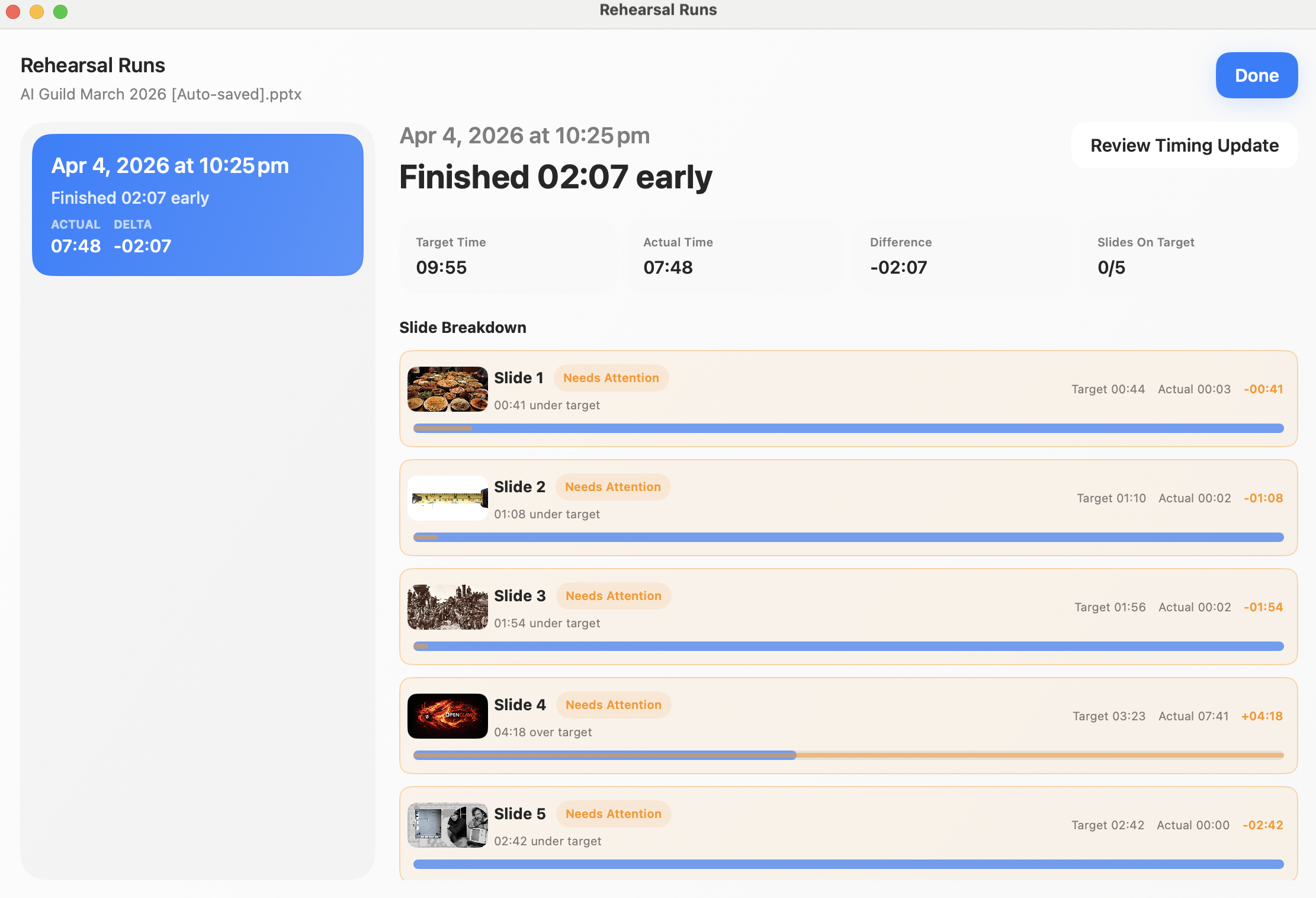
Timing support
Plan timing, rehearse, and watch pace during delivery.
Updates
Recent work.
Public website and discovery updates
May 2026
Expanded the website with workflow guides, comparison pages, a sitemap, llms.txt, and clearer crawlable product facts for people searching for one-screen PowerPoint notes.
Added practical guides for Zoom, Teams, Google Meet, single-monitor presenting, and rehearsal workflows.
Published comparison pages for PowerPoint Presenter View, ExtraPPT, teleprompter overlays, Keynote, and Google Slides.
Added explicit sitemap XML, robots policy, and AI-readable product facts.
One-screen delivery workflow
Spring 2026
Focused the product and documentation around presenting PowerPoint from one Mac screen while keeping notes private.
Keep PowerPoint and NotesPresenter visible side by side.
Share only the PowerPoint window in meeting apps so notes stay local.
Use current-slide context and thumbnails while presenting.
Timing and rehearsal support
Spring 2026
Added support content around timing plans, rehearsal runs, and target versus actual timing review.
Set a total presentation target and review per-slide timing.